Minecraft Pixel Art
When the coronavirus pandemic began in March 2020, my friends and I were inspired to find a virtual way to hang out in order to abide by social distancing guidelines. We adopted Minecraft as our temporary shared space, and began building up a complex metropolitan area.
As is the case with most cities, we developed a culture and were quickly in need of a method of artistic expression. This is where our murals were born.
mcpixelate
Github Repo
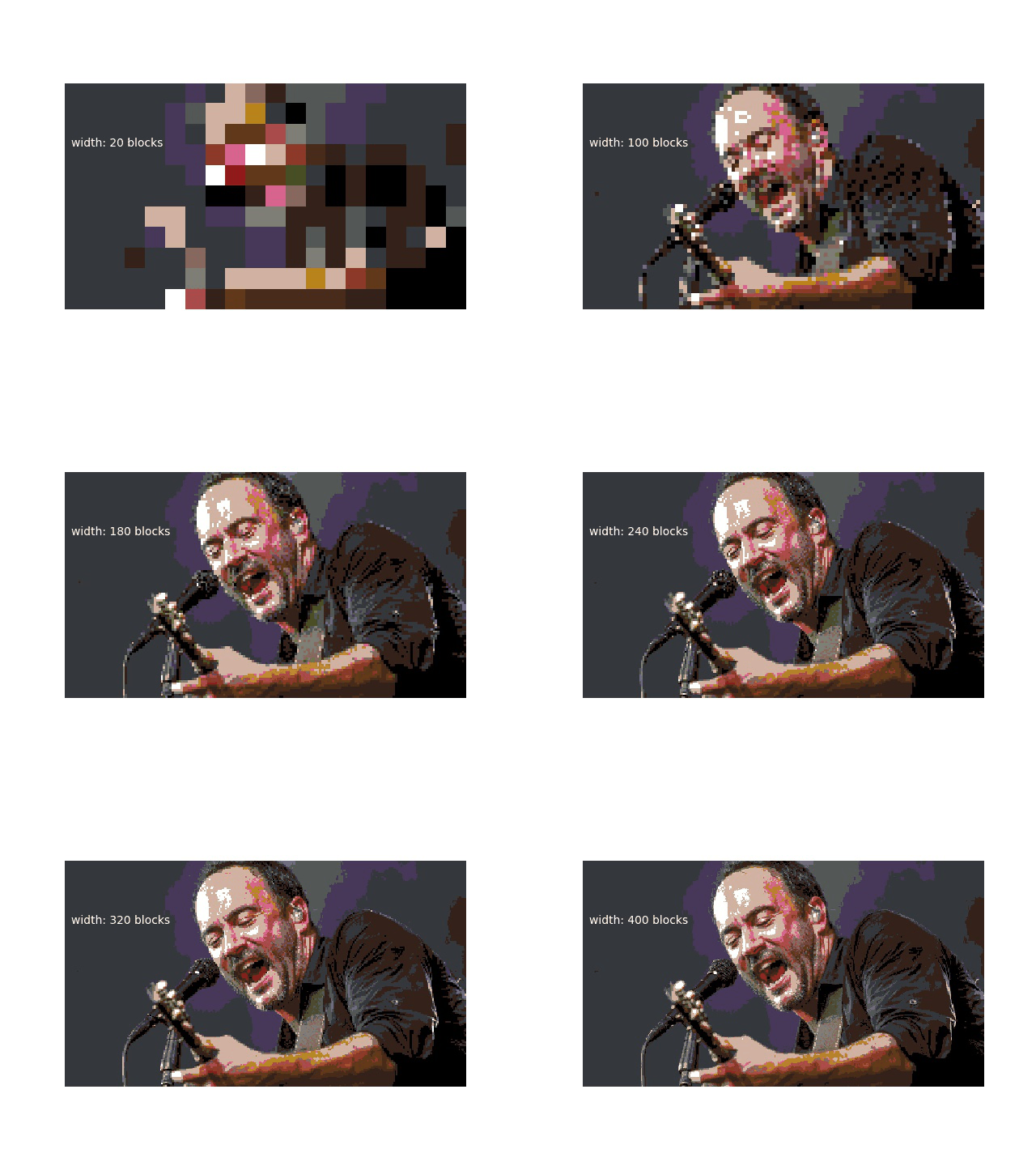
mcpixelate is Python code that allows you to take any image and convert it into a Minecraft "mural". This is done by pixelating the image to a degree given by the user, and then converting each pixel to the nearest Minecraft block color (either concrete or terracotta).
For example, take this image of Dave Matthews:
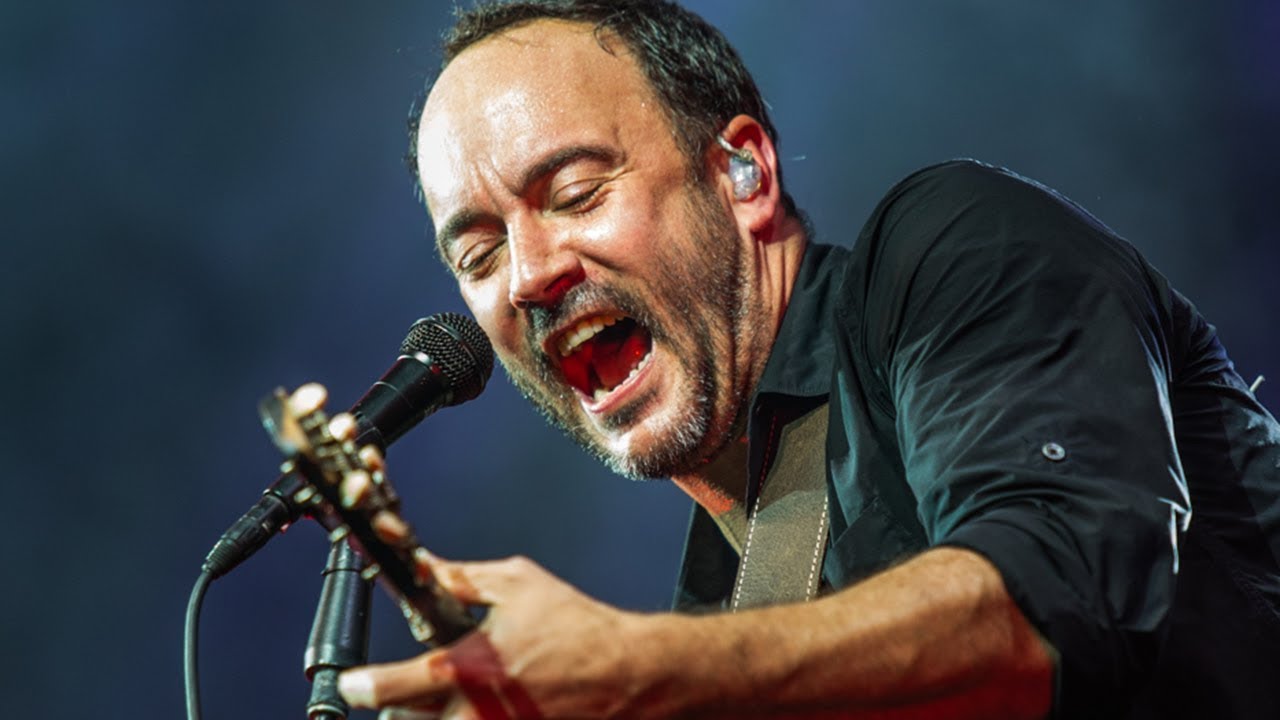
In order to convert this image to a mural, it is first necessary to creat a PixelImage instance:
from mcpixelate.mcpixelate import PixelImage

# create a pixelated version with a width of 140 pixels
# height is automatically calculated to maintain aspect ratio
dave = PixelImage("dave.jpg", 140, 0, 0)
To see what Dave looks like in a standard pixelated version:
dave.pixelated_scaled.save("dave_natural.jpg")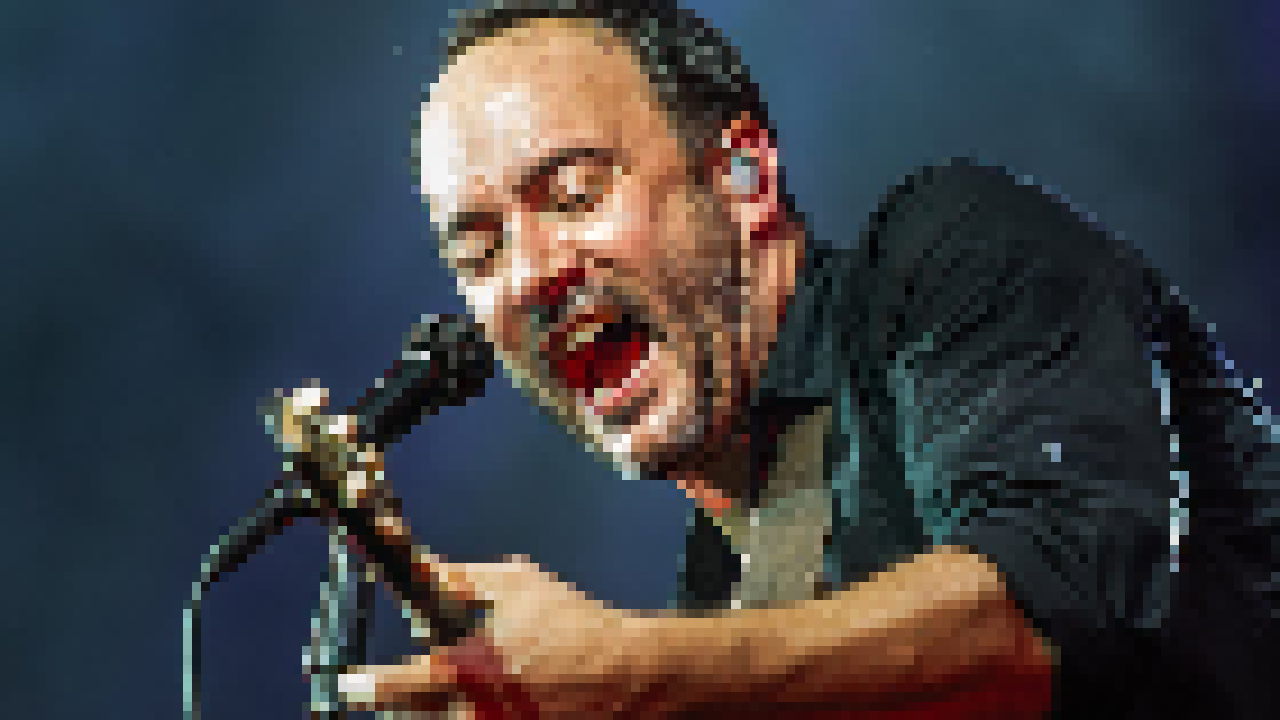
And now, converted to Minecraft colors:
dave.save_image("dave_minecraft.jpg")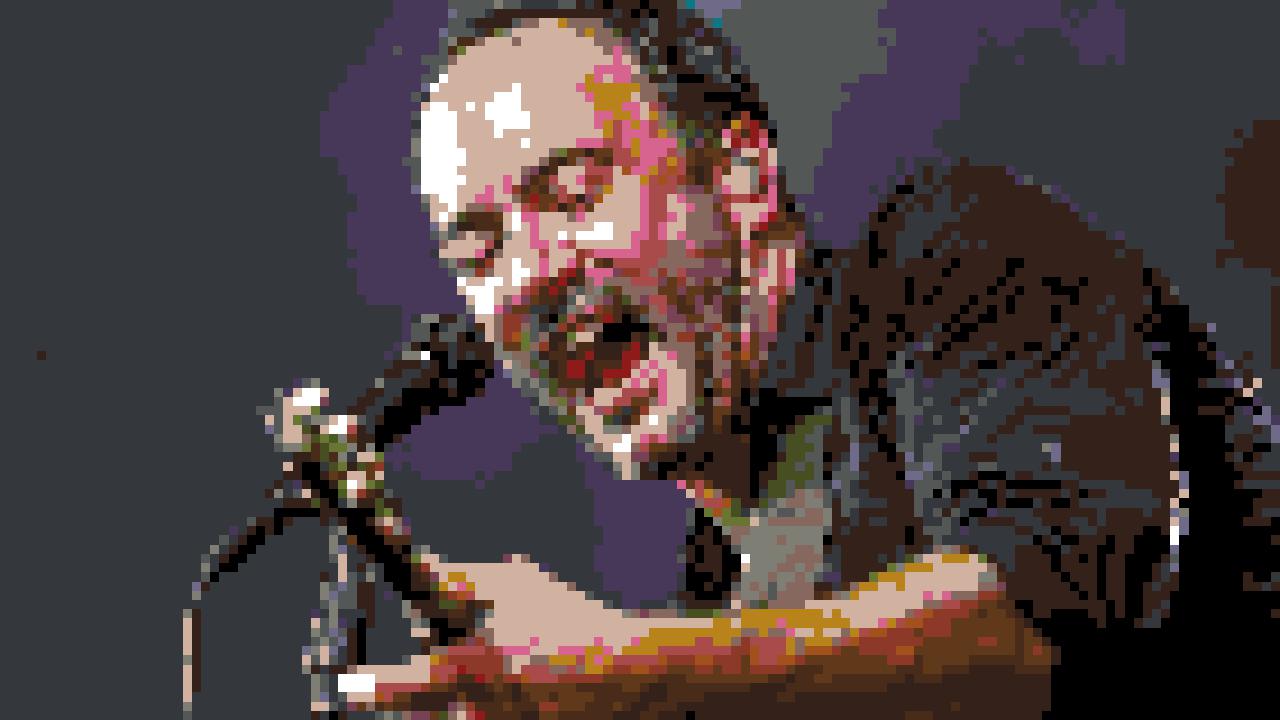
And now, in game:
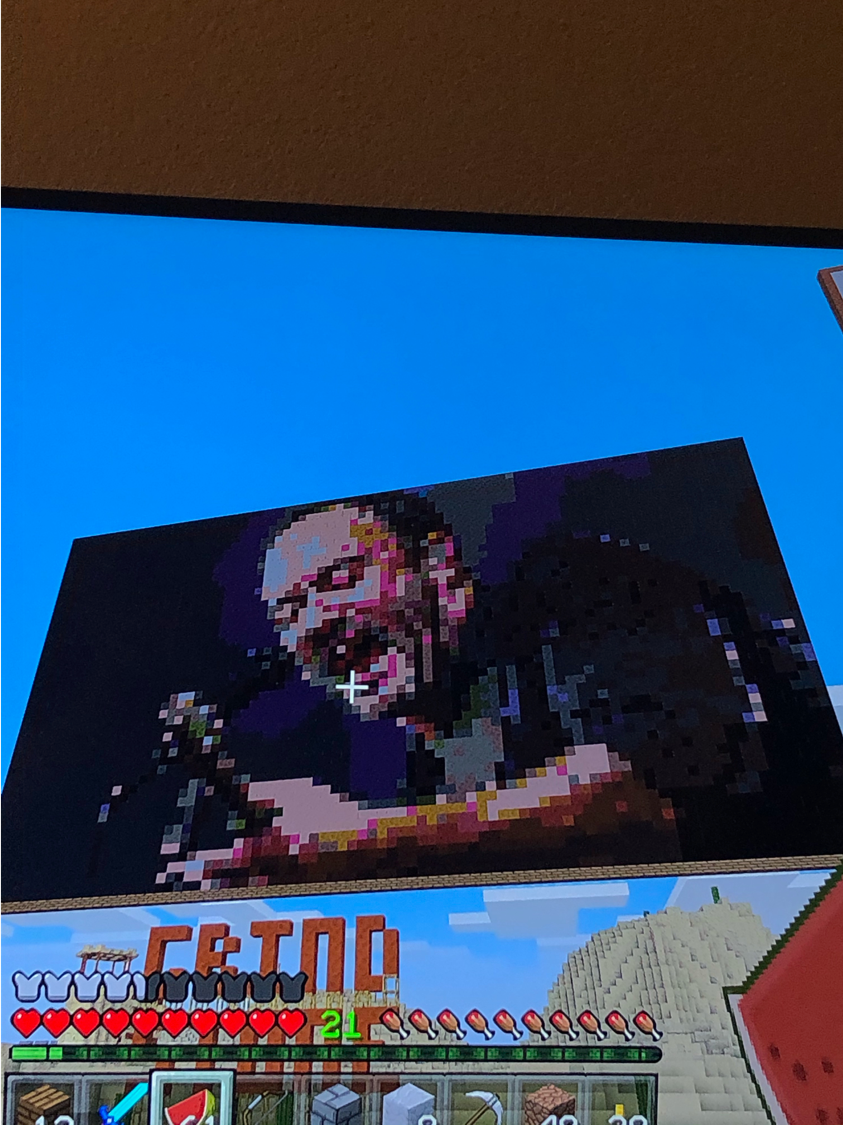
It is also possible to print out the blocks needed to produce the mural...
dave.display_blocks_needed()...and to save which block is needed at each coordinate to a .csv file:
dave.csv_coords("dave.csv")